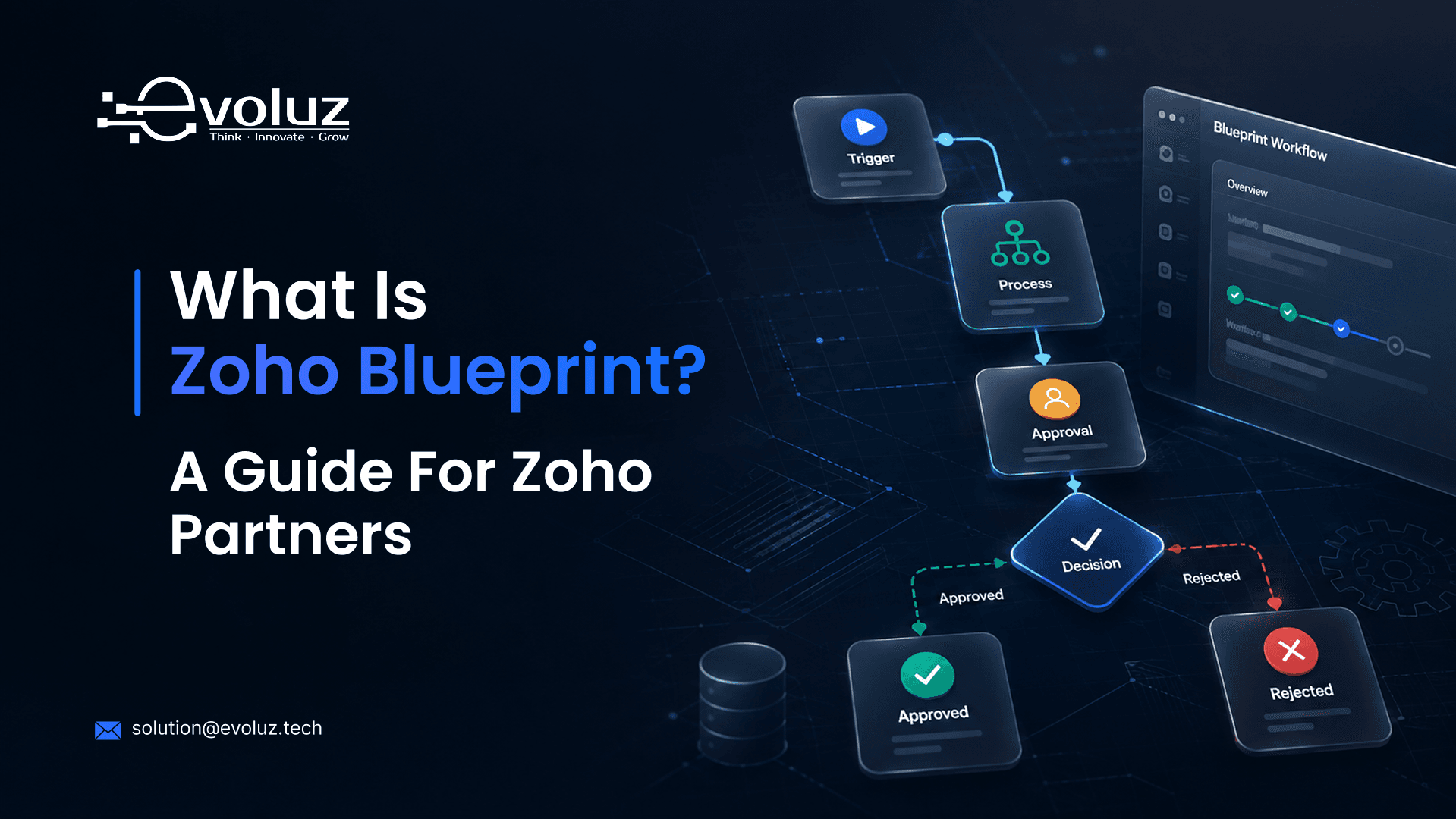
Zoho Blueprint is a workflow automation feature built into Zoho CRM, Creator, and other Zoho One apps. It maps out a business process as a series of stages, and it enforces the exact steps a record has to move through before it can advance.
Think of a sales pipeline where a deal can't move to "Negotiation" until a discount approval is logged. Or a support ticket that can't close until a resolution note is added. Zoho Blueprint is the tool that builds those rules directly into the CRM, so the process runs the same way every time, for every user.
What Zoho Blueprint Actually Does
- Defines stages a record moves through (lead, deal, ticket, project phase)
- Sets mandatory fields, approvals, or actions required at each stage
- Assigns tasks automatically as a record enters a new stage
- Blocks a record from skipping steps, even by accident
- Logs every transition, so there's a clear audit trail of what happened and when
Where Zoho Blueprint Is Used
- Zoho CRM — sales pipelines, deal approval stages, lead qualification
- Zoho Creator — custom app workflows built for a specific client process
- Zoho Desk — support ticket escalation and resolution stages
- Zoho Projects — task and phase gating within a project
Zoho Blueprint vs. Workflow Rules vs. Zoho Flow
These three get confused often, and they solve different problems.
- Workflow Rules — trigger a single action (send an email, update a field) when a condition is met. No stages, no sequence.
- Zoho Blueprint — enforces a full multi-stage process with mandatory steps in order.
- Zoho Flow — connects Zoho Blueprint (or any Zoho app) to third-party tools outside the Zoho ecosystem.
If a client needs "do this one thing when that happens," it's a Workflow Rule. If they need "this record must go through these five steps, in this order, with sign-off," it's Zoho Blueprint.
When to Use Zoho Blueprint in a Client Build
Zoho Blueprint is worth building when a client's process has real consequences for skipping a step, a compliance requirement, a financial approval, a quality check. It's overkill for simple processes that don't need enforcement.
Before building a Zoho Blueprint into any client's CRM, the stages and rules should be documented first. This is exactly what an FRD (Functional Requirement Document) is for, mapping the process before any configuration begins, so nothing gets built on assumptions.
Need Zoho Blueprint Built Into a Client Project?
Evoluz documents and builds Zoho Blueprint workflows as part of full Zoho implementations, under your brand, with FRD/TRD documentation completed before configuration starts.
See Documentation ServicesZoho Blueprint: Frequently Asked Questions
Is Zoho Blueprint available on all Zoho plans?
It's available on higher-tier Zoho CRM and Zoho One plans. Availability depends on the specific plan and app, worth confirming during scoping before promising it to a client.
Can Zoho Blueprint be used outside of Zoho CRM?
Yes. It's also available in Zoho Creator, Zoho Desk, and other Zoho One apps, not just CRM.
How is Zoho Blueprint different from Zoho Flow?
Zoho Blueprint manages multi-stage processes inside a single Zoho app. Zoho Flow connects Zoho apps to outside tools. They're often used together, not as substitutes for each other.
Does Zoho Blueprint require coding or scripting?
No. It's built through Zoho's visual interface. Deluge scripting can be added for custom actions at any stage, but it's not required for a basic Zoho Blueprint.
Who should document a Zoho Blueprint before it's built?
Whoever owns the client relationship should confirm the process with the client first. The actual stage-by-stage documentation is typically handled as part of the FRD before configuration starts.
Is this the same as the Zoho Partner Growth Blueprint?
No. If you're looking for the Zoho Partner Growth Blueprint, a free 11-chapter guide on building a scalable Zoho partner business, that's a separate resource. This page covers the technical Zoho Blueprint feature inside the CRM itself.