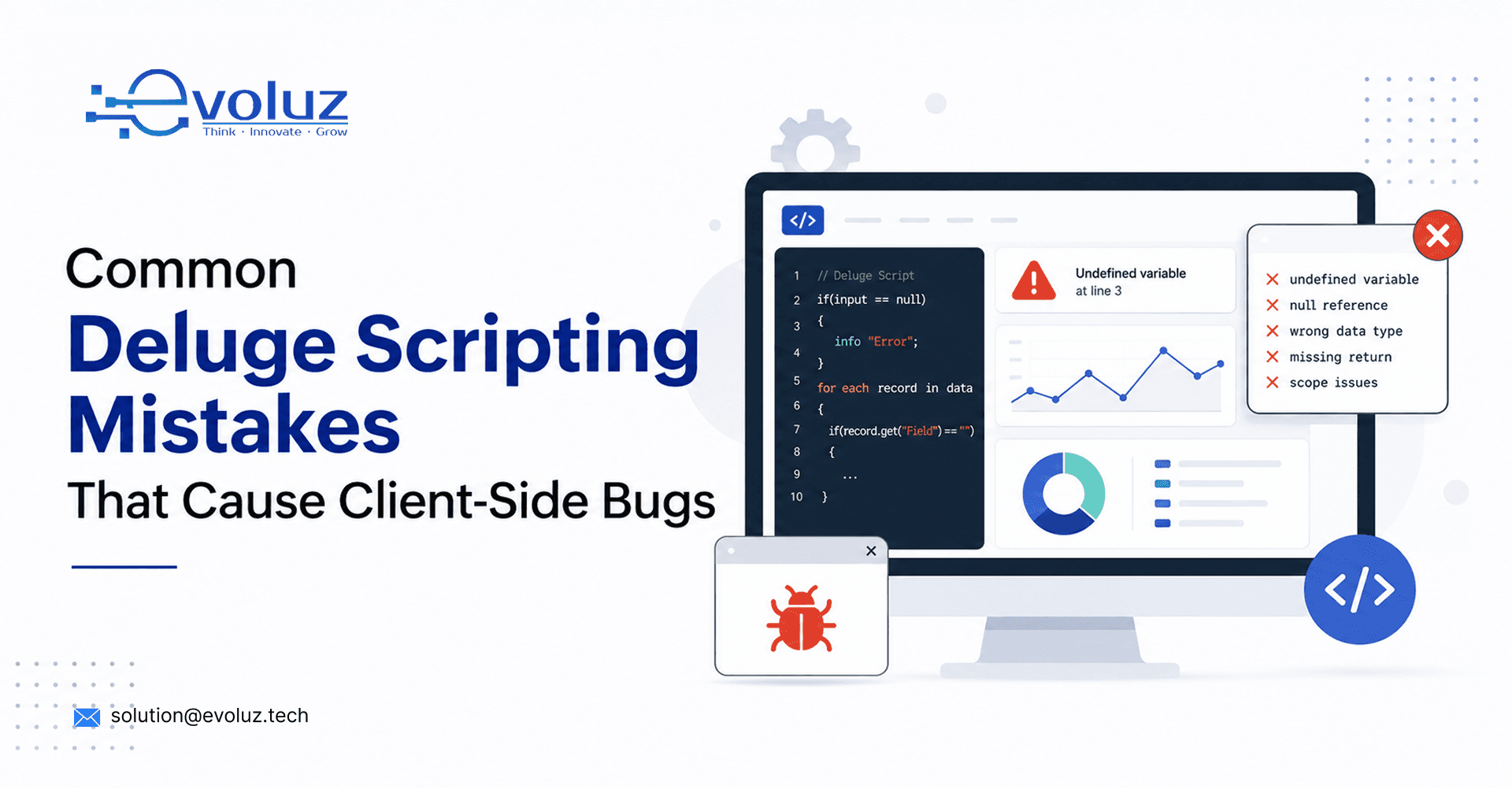
Most Deluge scripting bugs that reach a client come from seven recurring mistakes: hardcoded IDs, missing null checks, no API error handling, workflow-triggered infinite loops, governor limit oversights, missing logging, and undocumented scripts. Each one passes initial testing and fails only after handover, under real client data and volume.
Why These Bugs Don't Show Up Until After Handover
Most Deluge mistakes pass a quick test and fail three weeks later, when a client hits an edge case the developer never tested. By then it's a support ticket, not a code review comment.
1. Hardcoding IDs Instead of Using Dynamic Lookups
What it is: Record IDs, layout IDs, or user IDs typed directly into a script instead of pulled dynamically.
Hardcoded IDs work fine in the sandbox and break the moment the client adds a new layout, user, or record type. Any ID that could change should be pulled dynamically, not typed into the script.
2. Missing Null Checks Before Field Access
What it is: A script that assumes a field always has a value.
A script without a null check throws an error the first time a record is created without that field populated. Every field pulled into a Deluge script needs a null check before it's used in a calculation or condition.
3. No Error Handling Around API Calls
What it is: External API calls with no try-catch block.
External APIs fail. Rate limits, timeouts, and downtime happen on someone else's server. A script with no error handling around an API call doesn't fail gracefully, it fails the whole automation, silently, with no record of what happened.
4. Infinite Loops From Workflow-Triggered Updates
What it is: A script that updates a field, which re-triggers the same workflow that called it.
This is a common way to quietly hammer a client's API limits. It's easy to miss in testing because it often only surfaces at volume, not on a single test record.
5. Bulk Operations Without Governor Limit Awareness
What it is: A script that ignores Zoho's execution limits (API calls per execution, records processed per batch).
A script that works on 10 test records can hit a governor limit on a client's real dataset of 10,000 records. This is one of the most common causes of "it worked in testing" bugs.
6. No Logging for Debugging After Deployment
What it is: A live script with no info() statements at key decision points.
Once a script is live, the only way to know what went wrong is what it logged. No logging turns every bug report into guesswork instead of a five-minute log review.
7. Scripts Written Without Documentation
What it is: A script with no record of what it does, what it expects, or what conditions it branches on.
An undocumented script is a liability the moment the original developer isn't available. This belongs in the TRD, not only in code comments the next developer may never open.
Catching These Before the Client Does
Most of this list isn't about writing better Deluge, it's about testing conditions the sandbox doesn't naturally surface: high volume, missing data, API failures, concurrent updates. That's what a structured QA pass is built to catch before a client ever sees it.
See QA & Testing ServicesDocumentation Prevents the Handover Problem
Every script this list describes is easier to catch, fix, and maintain when it's documented against a TRD before it's written, not reverse-engineered from the code after something breaks.
See Documentation ServicesDeluge Scripting Mistakes: Frequently Asked Questions
What is the most common Deluge scripting mistake?
Hardcoding record, layout, or user IDs instead of pulling them dynamically. It works in testing and breaks the first time the client's setup changes.
Why do Deluge bugs often appear only after client handover?
Sandbox testing rarely covers real data volume, missing fields, or API failures the way live client usage does. Governor limits and null-value edge cases are the most common examples.
What is a governor limit in Zoho Deluge?
A governor limit is Zoho's cap on script execution, such as API calls per execution or records processed per batch. Scripts that work on small test datasets can hit these limits on a client's full dataset.
How can Deluge scripting bugs be caught before a client sees them?
Structured QA that tests under realistic data volume, missing fields, and simulated API failures, not just a single successful test run.
Should Deluge scripts be documented before or after they're written?
Before. Documenting expected inputs, triggers, and branch logic in a TRD prevents scripts from being written on assumptions and makes handover to another developer possible.